
Field guides / Choose an app
Best golden-hour apps for photographers: choose by the shoot
Choose PhotoPills for planning a shot around the sun, moon or Milky Way; Sun Surveyor for sun-path scouting; Lumy for light phases on Apple devices; or Sol’s free web calculator for a quick golden-hour answer. The best fit depends on what you need to decide before the shoot.
Calculate golden hour for your shootFour useful approaches
This is a documentation-based comparison, checked on 26 September 2026, not a hands-on ranking. We make Sol and describe its current web tools separately from its upcoming iPhone app. There are no affiliate links.
| Tool | Particularly useful for | How to choose |
|---|---|---|
| PhotoPills | Planning sun, moon and Milky Way alignments, with map and augmented-reality tools. | Consider it when the subject’s alignment matters as much as the hour. |
| Sun Surveyor | Inspecting sun and moon paths with maps, a 3D compass and live augmented reality. | Consider it for scouting how the light moves around a location. |
| Lumy | Following light phases throughout the day on Apple devices. | Consider it when convenient access to the next light window is the priority. |
| Sol’s web calculator | Free golden-hour and blue-hour times for a place and date. | Start here for a quick answer. Sol’s iPhone app is coming soon. |
Golden hour is an angle, not always an hour
“Golden hour” describes low-angle sunlight rather than a fixed sixty-minute block. Sol uses a sun altitude between −4° and +6° for its golden-hour interval. Different apps may use different boundaries, so a few minutes of disagreement can reflect the definition rather than a calculation error.
Latitude and season change how quickly the sun crosses that interval. Buildings, hills and trees can remove the direct light earlier still. Use the definition of golden hour alongside the time, and scout the actual horizon if the shot matters.
Plan the light and the direction
- Set the shoot’s date, location and local time zone. Today’s timing may be wrong for next month.
- Decide whether you want front light, side light or a backlit subject.
- Check the sunset direction and obstructions. A beach facing the wrong way may have a lovely sky but no sun behind your subject.
- Set an arrival time that leaves room to walk, set up and adjust exposure.
- Keep a cloudy-weather alternative. Golden-hour geometry cannot tell you whether direct sunlight will reach the camera.
Sol’s shadow calculator helps connect the sun’s height with the length and direction of a shadow. For colour rather than timing, use the separate sunset outlook.
Choose by what slows you down
If you mostly need “what time should I arrive?”, start with the browser calculator before buying another app. If you repeatedly need to line the sun up with a building or landscape, a map and augmented-reality planning workflow may save more time. If you already know your location well, a widget or light-phase alert may be the useful addition.
For a wedding or portrait session, work backward from the light window with your photographer. A technically perfect sunset time will not help if travel, family photographs or the ceremony leave no time to reach the location.
Put it to use
The light at your place.
Start with the free web tool, using your own place and date.
Calculate golden hour for your shootComing soon for iPhone
Carry the light with you.
Sol brings the day’s light, the sun’s path and the moon to your phone. See the app preview or leave an email to hear when it ships.
See Sol for iPhone →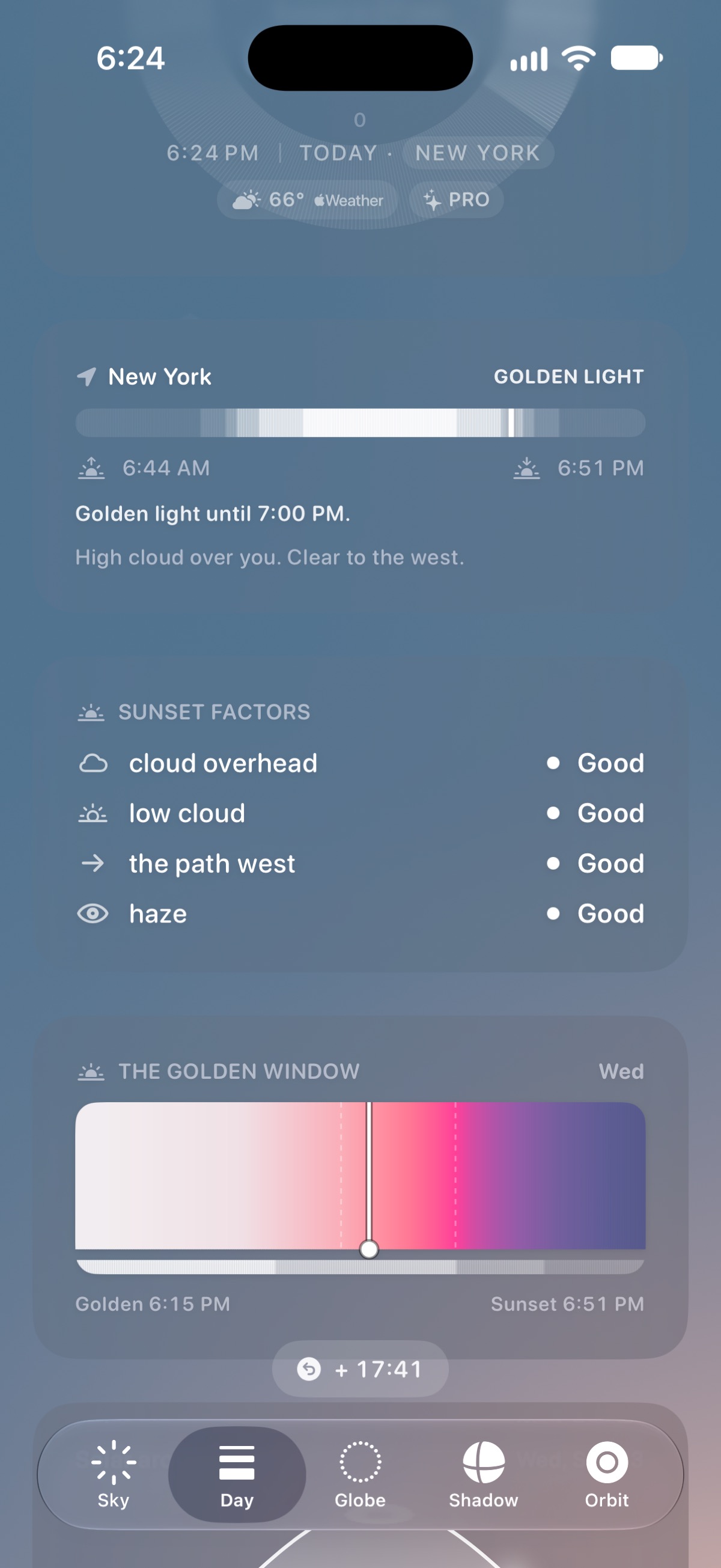
Sources & review
Checked on 26 September 2026. App features can change; use the official listing to confirm availability. Sol’s tools explain their calculations and limits.