
Field guides / Choose an app
Best sunset prediction apps for iPhone: colour, timing and alerts
For a dedicated colour forecast and alerts, start with Alpenglow. For a free forecast you can open in your browser, try Sol. If your priority is knowing when the light changes, consider Lumy. Timing the sunset and predicting its colour are different jobs.
See tonight’s colour forecastChoose the job before the app
A sunset time is calculated from the date and location. A colour forecast also needs weather: where the clouds sit, whether sunlight can reach them, and whether you can see the part of the sky that lights up. A precise sunset time does not promise a colourful evening.
Our picks below are based on the makers’ published features, checked on 26 September 2026. We make Sol. We have not run a controlled forecast-accuracy comparison, and these are use-case recommendations rather than an accuracy ranking. There are no affiliate links.
| Tool | Choose it for | Check before choosing |
|---|---|---|
| Alpenglow | Dedicated sunrise and sunset colour forecasts; configurable alerts. | Its longer forecast horizon and some widget features require Pro. Check the current listing. |
| Sol on the web | A free colour outlook with an explanation of the cloud and light conditions. | The web tools are available now. The iPhone app is coming soon. |
| Lumy | Keeping the day’s light phases close at hand on Apple devices. | Choose for timing and presentation; do not treat a golden-hour time as a colour forecast. |
What makes a useful colour forecast?
Look for a location, an update time and an explanation. “Good colour” with no date is hard to act on. A useful forecast should also admit when conditions are uncertain. Cloud layers can change between the forecast update and sunset, and a bank of cloud on the western horizon can block the light even when the sky above looks promising.
Sol’s Sunset Oracle checks a path toward the setting sun against forecast cloud layers. Its call is an outlook, not a guarantee or a safety forecast. Open the methods and sources to see what the model includes. Check the forecast’s timestamp before planning a journey.
A practical routine for tonight
- Choose your actual city or location and confirm the date.
- Check golden hour as well as sunset. Arrive early enough to find a view.
- Read the cloud explanation, then look at the western horizon yourself.
- Stay for the changing light after sunset if conditions and access allow.
For the complete timing in one place, open Sol’s sunset outing planner. It brings the colour call, arrival time, sunset and last light into a plan you can share or put in your calendar.
Do I need a paid app to start?
No. Sol’s browser forecast is free to open. A paid app can be worth considering for a particular workflow, such as widgets or automatic notifications, but first check that it supports the device and alert you want. Prices and subscription tiers change, so follow the official listings rather than relying on a copied price table.
No app can guarantee a beautiful sunset. Keep a small record of the forecast and what you saw at the same location. That is a more useful check for your own photography than one spectacular example.
Put it to use
The light at your place.
Start with the free web tool, using your own place and date.
See tonight’s colour forecastComing soon for iPhone
Carry the light with you.
Sol brings the day’s light, the sun’s path and the moon to your phone. See the app preview or leave an email to hear when it ships.
See Sol for iPhone →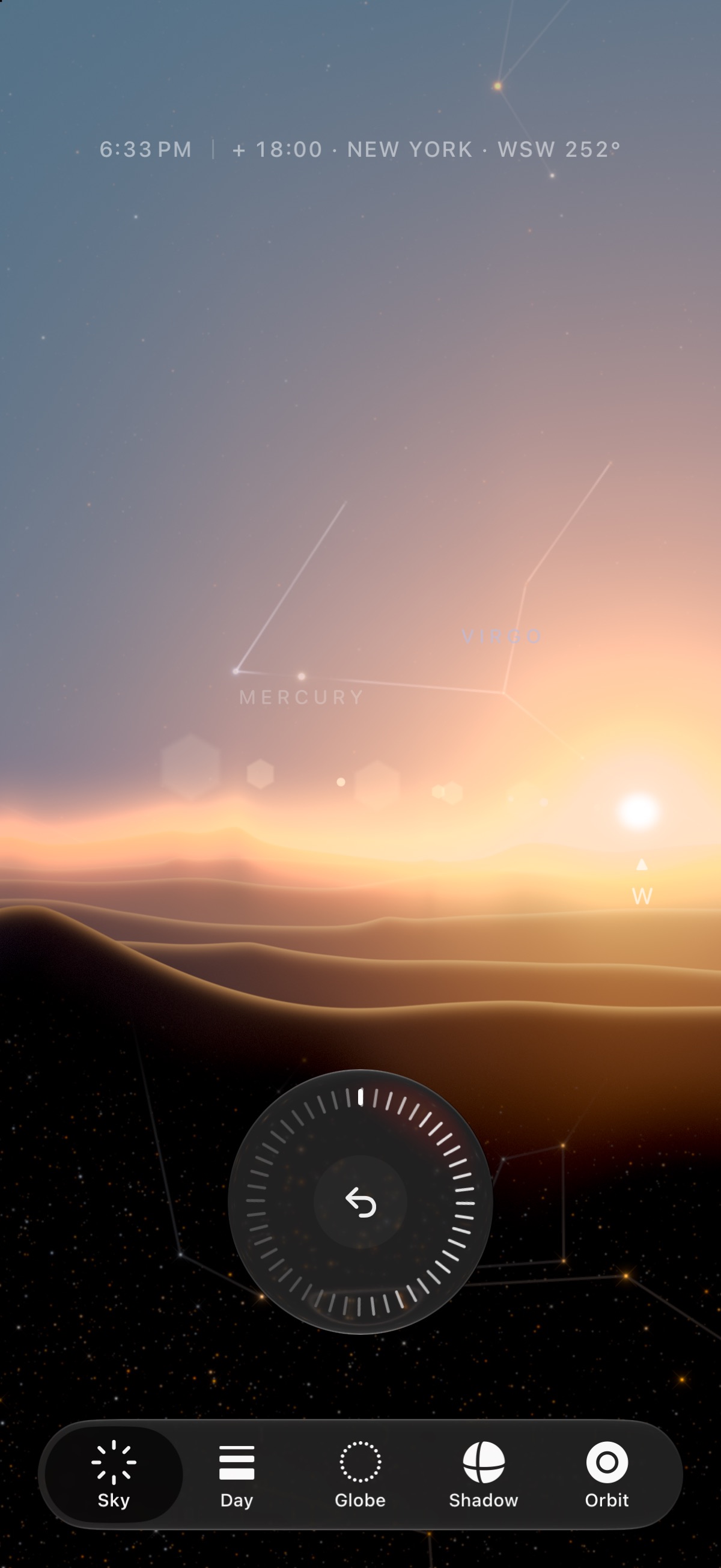
Sources & review
Checked on 26 September 2026. App features can change; use the official listing to confirm availability. Sol’s tools explain their calculations and limits.