Field guides / On your phone
How to photograph the Geminids 2026 with an iPhone
Put the iPhone on a tripod somewhere dark, stay at 1× or 0.5×, let Night mode run its longest exposure (up to 30 seconds), lock focus on a bright star, and take frame after frame of a wide, dark patch of sky. In 2026 the peak is the night of 13–14 December in the Americas, Europe and Africa, and 14–15 December in most of Asia and Oceania.
See the Geminids’ best hours for your cityWhen to go out in 2026
The Geminids peak on 14 December 2026. Where you are decides the best night: 13–14 December in the Americas, Europe and Africa, and 14–15 December in most of Asia and Oceania. The shower is active for several nights either side, at lower rates.
The moon is a thin crescent, about a fifth lit, and it sets in the evening. Wait for it to go down: the hours after moonset are the darkest, and Gemini stands high by then. Sol’s Geminids page works out the darkest hours, the radiant’s height and the cloud forecast for 92 cities and for where you are.
Get the peak alert for your city.
One email on the evening of 13 December, before the two peak nights: which night is better where you are, and how to watch. It’s also how you’ll hear first when Sol for iPhone comes out.
From a dark site, expect a meteor a minute or so at best, far fewer in town. A phone records only the brightest of them, so patience counts for more than any one setting.
Seven steps
- Choose a dark place and the right hours. Go somewhere away from street lights with a wide view of the sky. Check your city’s darkest hours, after the moon sets, on Sol’s Geminids page.
- Put the iPhone on a tripod. On a tripod, Night mode can expose for up to 30 seconds. Hand-held, it stops at a few seconds.
- Stay at 1× or 0.5×. Use the main (1×) or ultra wide (0.5×) camera. Zooming narrows the sky you cover, and pinch zoom also loses detail.
- Set Night mode to its longest time. Night mode turns on by itself in the dark. Tap its button and drag the slider to the maximum, which on a tripod is 30 seconds.
- Lock focus and exposure. Touch and hold a bright star or a distant light until AE/AF Lock appears, then drag the exposure slider down a little so the sky stays black.
- Use the self-timer. Set the timer to 3 or 10 seconds so pressing the shutter does not shake the frame.
- Shoot a wide patch of sky, many times. Meteors can appear anywhere in the sky. Aim at dark sky high up, a little away from Gemini, and keep taking frames. Only a few of dozens will hold a meteor.
Camera settings worth changing
Turn the flash off. Night mode switches Live Photos off while it works, so you do not need to change that.
On a Pro model, turn on ProRAW in Settings › Camera › Formats. A RAW frame keeps more of the sky’s faint detail and lets you set the colour of the night afterwards.
For a record of the whole night rather than single frames, use Night mode Time-lapse on a tripod. It runs unattended, and a bright meteor often shows in a frame or two.
Cold drains a battery quickly. Keep a spare battery pack in an inside pocket, and lower the screen’s brightness so your eyes stay used to the dark.
Where to point the camera
The radiant lies near Castor, in Gemini. It rises in the north-east in the evening and stands high in the south (north from the southern hemisphere) around 2 am. Meteors trace back to it but appear all over the sky, and they look longest about 40° from it.
A strip of trees or a skyline at the bottom of the frame places the photograph. Keep most of the frame for the sky.
Afterwards
Go through the frames at full size: a faint meteor is a short, straight streak, often tinted, that crosses the stars rather than following them. A plane leaves a dotted line with blinking lights; a satellite leaves a steady, even line.
To show several meteors at once, photographers stack frames taken from the same spot in an editing app. That is a composite, and it is honest to say so when you share it.
For the evening’s sky before you go out, see magic hour on iPhone. Sol for iPhone is coming soon; its Sky tab shows the night’s stars, the moon and the radiant at any hour you choose. See Sol for iPhone.
Put it to use
The light at your place.
Start with the free web tool, using your own place and date.
See the Geminids’ best hours for your cityComing soon for iPhone
Carry the light with you.
Sol brings the day’s light, the sun’s path and the moon to your phone. See the app preview, or leave your address for early access and one email when it ships.
See Sol for iPhone →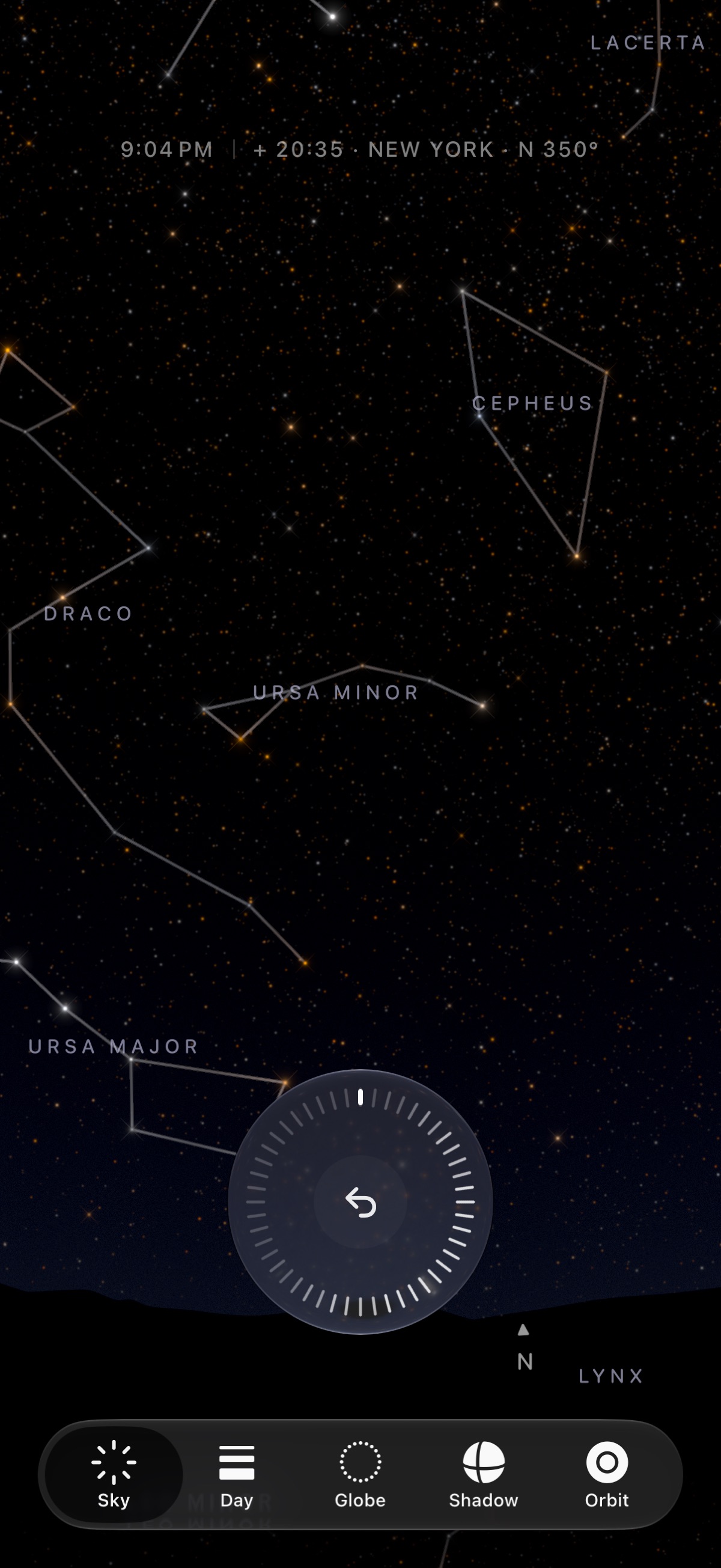
Sources & review
Checked on 24 November 2026. App features can change; use the official listing to confirm availability. Sol’s tools explain their calculations and limits.