Field guides / On your phone
Magic hour on iPhone: when it is and how to shoot it
Magic hour is the golden hour before sunset and the blue hour after it, together. Check the times for your place and date, arrive half an hour before sunset, stay at 1×, tap the sky and lower the exposure a little, and use a tripod once the blue hour turns on Night mode.
Find today’s golden and blue hourMagic hour is two lights
Golden hour is low sunlight: Sol counts it while the sun is between 6° above the horizon and 4° below. Light comes in from the side, shadows stretch and everything takes on a warm colour. More on golden hour.
Blue hour follows, with the sun 4° to 6° below the horizon. The whole sky turns a deep, even blue and city lights come close to the sky’s brightness. More on blue hour.
Both last longer in winter and farther from the equator, where the sun sets at a shallower angle. In the morning the same lights come in the opposite order. The golden-hour calculator gives each to the minute for any place and date.
Six steps
- Check the times. Golden hour comes before sunset and blue hour after it. Sol’s golden-hour calculator gives both for your place and date.
- Arrive early. Get there about 30 minutes before sunset and settle the composition. The blue hour lasts only about 20 to 30 minutes.
- Stay at 1×. Use the main (1×) or ultra wide (0.5×) camera. A model with a telephoto camera can use it too, but pinch zoom loses detail.
- Lower the exposure a little. Tap the sky, then drag the exposure slider down slightly so its colour does not wash out to white. Touch and hold to lock exposure and focus while you recompose.
- Use a tripod for the blue hour. As it gets dark, Night mode turns on and exposures get longer. Put the iPhone on a tripod and use the 3-second timer to keep the frame sharp.
- Keep shooting. The colour changes every few minutes. Take the same frame from before sunset until it is dark, and choose afterwards.
Camera settings worth changing
Turn on the grid in Settings › Camera to keep the horizon level. On a Pro model, ProRAW (Settings › Camera › Formats) keeps more of the sky’s gradations for editing later.
Leave Photographic Styles on Standard and adjust the colour afterwards in Photos. A warm style applied at the time can push a golden sky to orange and flatten its tones.
For video, 4K at 24 or 30 frames per second on a tripod holds the sky’s slow change well; Time-lapse compresses the whole hour into seconds.
Where to aim
With the sun behind you, golden light falls on faces and buildings. Facing the sun, they become silhouettes against the bright sky; lower the exposure further and let them go dark.
In the blue hour, the sky above the sunset holds its light longest. Turn round, too: low in the east, the Earth’s shadow rises as a dark blue band under a pink one.
A colourful sunset needs clouds that the low sun can light. Sol’s sunset forecast reads the cloud for your city, and this guide explains what it looks for.
The light where you are
For a starry night after the blue hour, see how to photograph the Geminids with an iPhone. Sol for iPhone is coming soon, with golden hour and blue hour where you stand, to the minute, and the direction the sun sets. See Sol for iPhone.
Put it to use
The light at your place.
Start with the free web tool, using your own place and date.
Find today’s golden and blue hourComing soon for iPhone
Carry the light with you.
Sol brings the day’s light, the sun’s path and the moon to your phone. See the app preview, or leave your address for early access and one email when it ships.
See Sol for iPhone →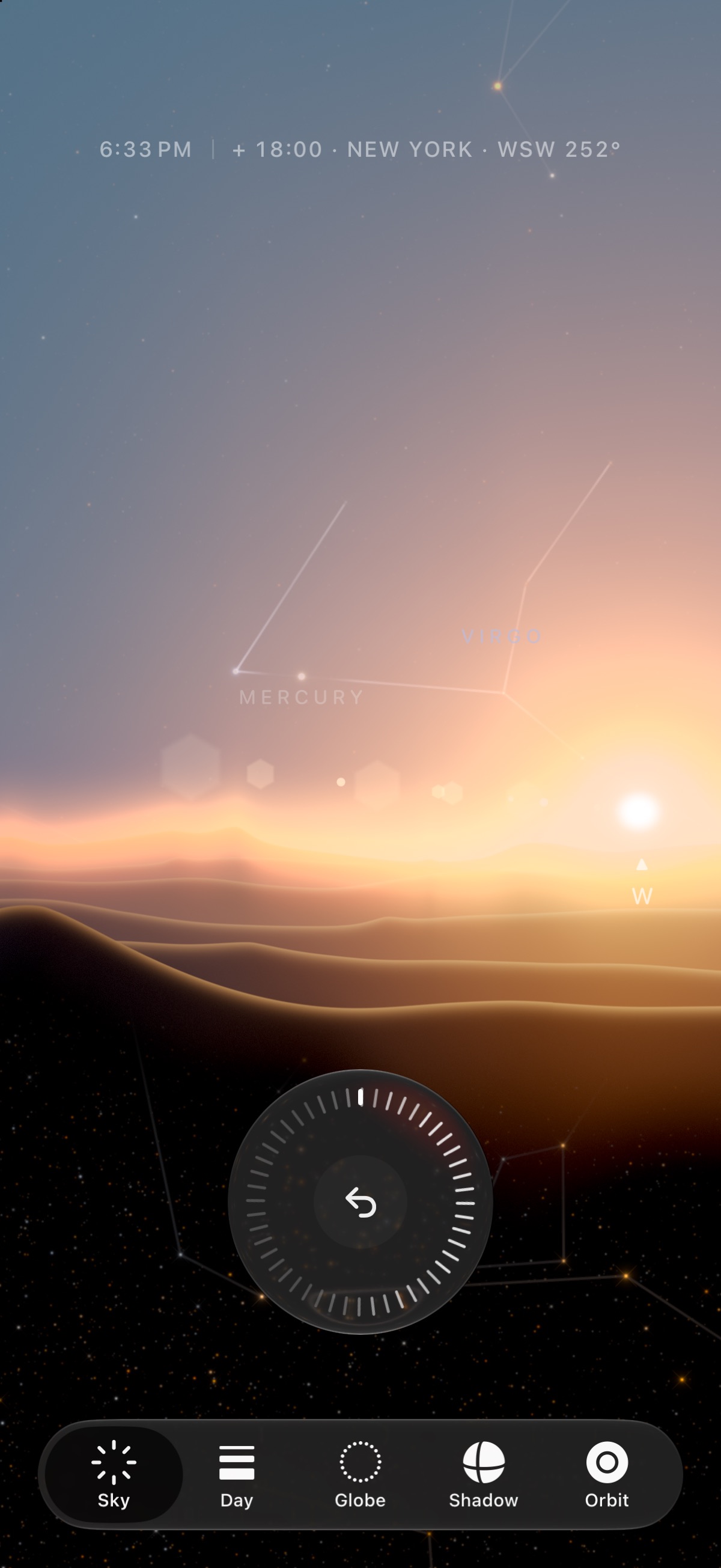
Sources & review
Checked on 24 November 2026. App features can change; use the official listing to confirm availability. Sol’s tools explain their calculations and limits.