
Field guides / Plan with light
How to check how much sun an apartment gets before renting
Check the window’s compass direction, model the sun for both winter and summer, and inspect the buildings or trees that block it. A bright viewing on one afternoon does not tell you how much direct sun the apartment receives through the year.
Check sun on a windowStart with the window, not the building’s address
Two rooms in one apartment can receive very different light. Stand by the window and identify the direction it faces outward. If using a phone compass, keep it away from metal frames and check against a map; magnetic interference can move the reading.
East-facing windows tend to receive morning sun and west-facing windows afternoon sun when the horizon is open. Toward the equator is often the useful starting direction for winter sun: south in the northern hemisphere and north in the southern hemisphere. At tropical latitudes the sun’s seasonal path makes a simple north-versus-south rule less useful.
Sol’s study of window directions compares the geometry across cities. Treat it as a starting point for the actual room, not a verdict on an apartment.
Compare winter, summer and the date you viewed
Open Sun on my window, choose the city and window direction, and compare the seasonal results. Low winter sun can reach farther into an unobstructed room, but nearby buildings can also block it for much of the day.
Write down when you visited. “Sunny at 3 pm in September” is a precise observation; “sunny apartment” is not. Ask whether you can view at a second time or see dated photographs from winter. A north-facing room in one hemisphere should not be judged using advice written for the other.
Look across the street and above the glass
- How tall is the building opposite, relative to your floor?
- How far away is it?
- Does a balcony, overhang or deep window recess block high sun?
- Are there trees that change with the season?
- Is there a hill or another obstruction beyond the nearest building?
Sol’s sun-at-an-address tool can help explore nearby building shadows. The model depends on available building data and does not include every obstruction. Trees and terrain are not modelled there. Check the building shapes and heights against what you see; missing geometry can make an estimate too optimistic.
Separate direct sun from a bright room
Direct sunlight is a beam from the sun reaching a surface. A room can feel bright through diffuse sky light even when it has little direct sun. Window size, glazing, wall colours, the depth of the room and the view of the sky all affect that experience.
Use the sunlit-room tool to explore the relationship between a window and the room’s shape, then judge the actual space at a viewing. The model does not measure indoor brightness, temperature or energy use.
A useful viewing note is simple: window direction; date and time; floor; buildings and trees opposite; where a sun patch falls; and what remains uncertain. Keep the model and the observed room together when deciding whether the light suits your daily life.
Put it to use
The light at your place.
Start with the free web tool, using your own place and date.
Check sun on a windowComing soon for iPhone
Carry the light with you.
Sol brings the day’s light, the sun’s path and the moon to your phone. See the app preview or leave an email to hear when it ships.
See Sol for iPhone →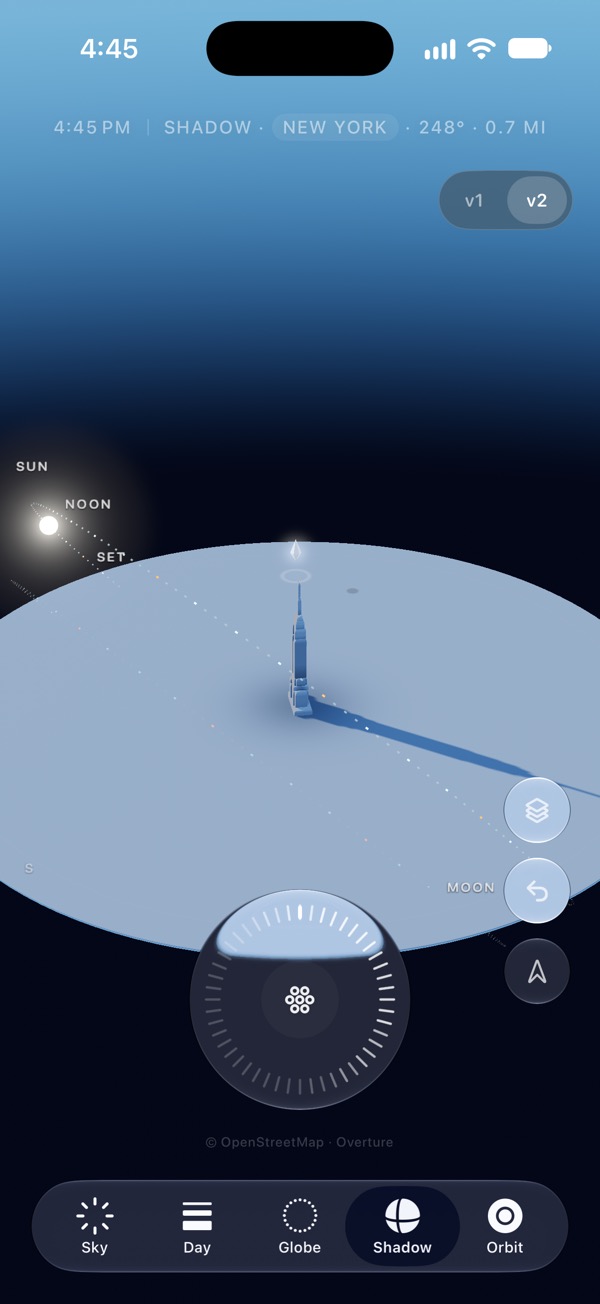
Sources & review
Checked on 26 September 2026. App features can change; use the official listing to confirm availability. Sol’s tools explain their calculations and limits.